ASCII Lens
An image rendered as ASCII, with a circular lens that reveals the original.
Demo
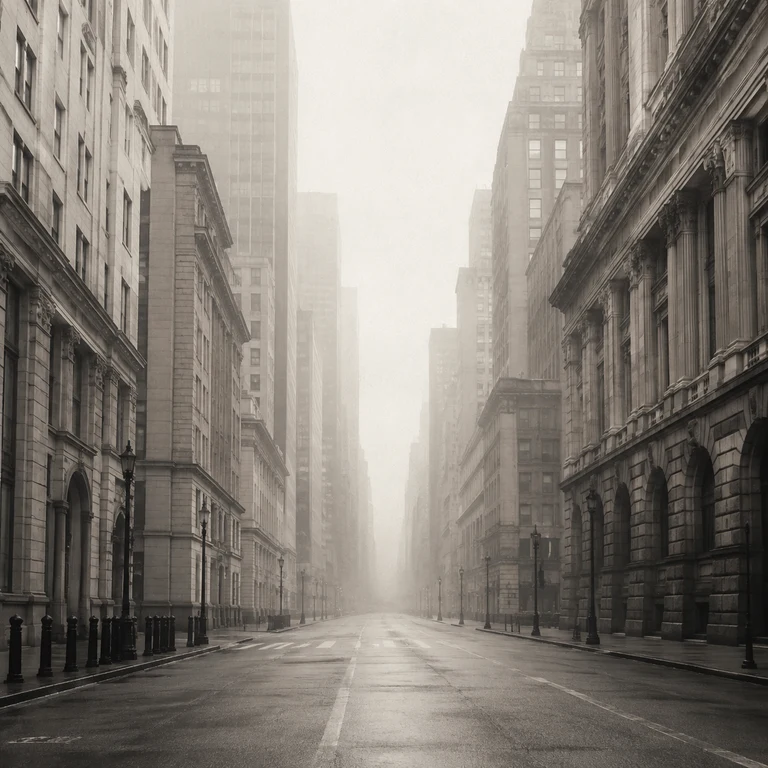
Installation
pnpm dlx shadcn@latest add https://ui.arjayby1.xyz/r/ascii-lens.jsonCode
import { AsciiLens } from "@/components/ui/ascii-lens";

const illustration = `<svg xmlns="http://www.w3.org/2000/svg" width="640" height="480">
  <rect width="640" height="480" fill="#d7d2c8" />
  <circle cx="320" cy="240" r="150" fill="#43566c" />
</svg>`;

export function PortfolioCard() {
  return (
    <AsciiLens
      src={`data:image/svg+xml,${encodeURIComponent(illustration)}`}
      alt="Dark circle on a warm background"
      radius={100}
      className="max-w-xl"
    />
  );
}
API reference
| Prop | Type | Default | Purpose |
|---|---|---|---|
src | string | Required | Image URL. Same-origin URLs work without extra server configuration. |
alt | string | Required | Description read by assistive technology. |
cellSize | number | 10 | Character spacing in CSS pixels, clamped to 6–24. |
radius | number | 92 | Circular reveal radius in CSS pixels, clamped to 32–240. |
characters | string | ".:-=+*#%@" | Printable ASCII from light to dark, up to 32 characters. |
interactive | boolean | true | Adds pointer and keyboard lens controls. False renders static ASCII. |
className | string | None | Classes for the outer element. Its default aspect ratio is 4:3. |
style | CSSProperties | None | Inline size, background, or text color. |
Move the pointer or drag a touch contact over the image to reveal the source. The characters near the lens edge scatter outward. Focus the image and use arrow keys to move the lens, Home to center it, and Escape to close it. The source image and canvas are hidden from assistive technology; the component exposes alt as its accessible description and labels the keyboard control separately.
The component loads a separate image with crossOrigin="anonymous" for canvas sampling. It samples pixels when that image loads and again when its size changes. It caps the character grid at 140 by 100 and the canvas backing resolution at 2400 pixels per side. Lens movement redraws the canvas without rerendering React. Reduced motion keeps the lens available but removes easing and scattered glyph movement. Offscreen and hidden tabs stop animation frames.
Remote images must allow canvas pixel reads through CORS; otherwise ASCII sampling falls back to the original image. The remote server must return an Access-Control-Allow-Origin header permitting this page's origin or * for public images. If the displayed image fails to load, the component shows an unavailable message. The example uses a same-origin image from public so the ASCII view works without CORS configuration.